See Work & Home
Follow your rotation and see where important dates land.
Fixed rotations in FreePlan Work and Home time, keep important dates in view, and make the most of your days ashore.
Android · Currently in controlled testing
Select a date to explore the sample plan.
22 October 2026 · Work
Illustrative plan only. Your schedule stays in the app.
A clear view of the plan. More ways to adjust when life changes.
Follow your rotation and see where important dates land.
Fixed rotations in FreeExplore schedule options before you make a change. Keep personal dates in view.
Adaptive planning in PremiumReview proposals with your Relief partner and keep agreed changes clear.
Eligible access for both partners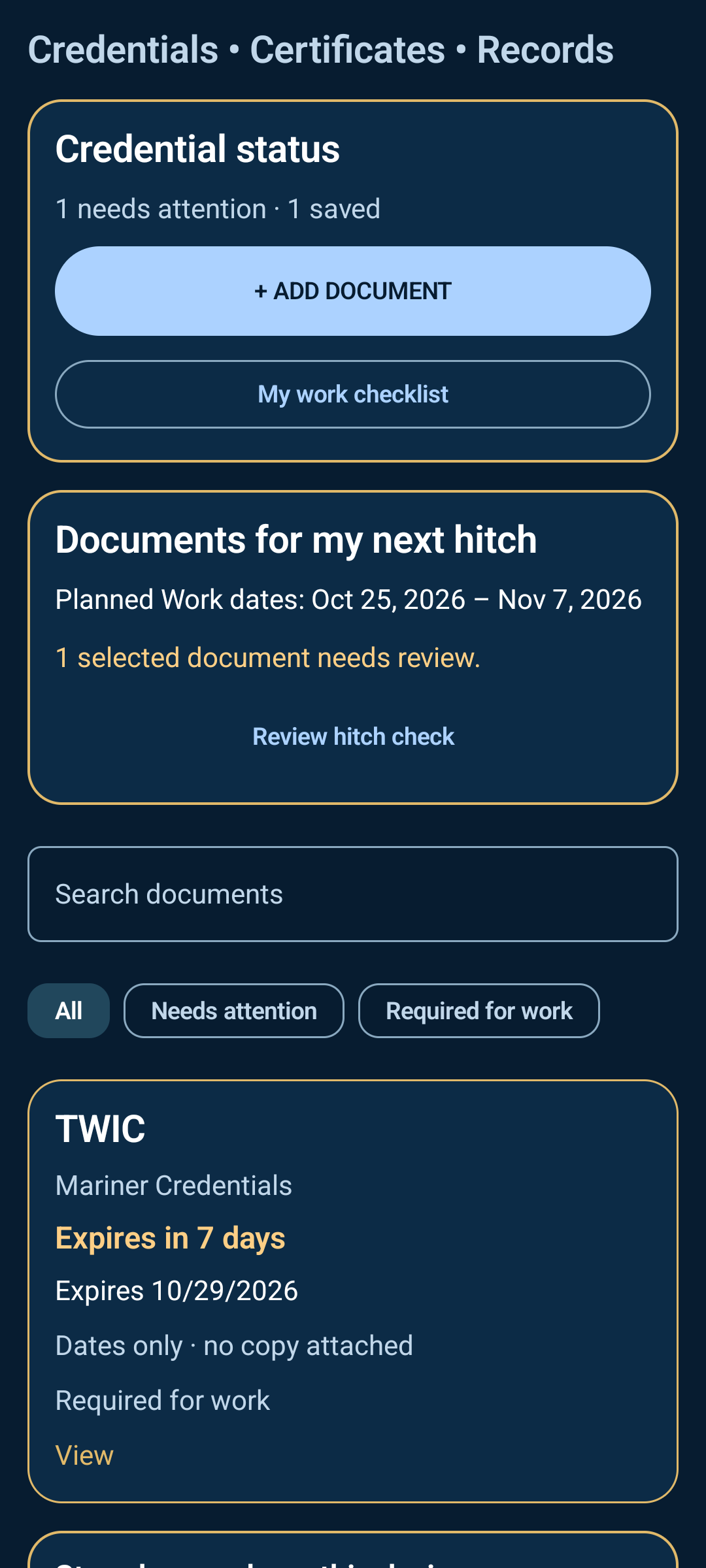
In the Android app, keep photos, PDFs, dates and renewal progress together—stored securely on your device.
On a computer, prepare PDFs and photos into a printable hitch packet. Save a password-protected workspace locally to continue later.
Keep both sides of each document in one place.
See what’s coming up and track a renewal as it moves forward.
Choose the documents you need and review them against your next hitch.
Search your saved records, filter what needs attention, and keep front and back copies together. When a renewal arrives, confirm its new dates to keep the previous version in your history.
Documents and their metadata are encrypted locally. They are not uploaded, shared with Relief, or included in app backups, so keep your originals.
Reminders depend on Android notification and battery settings. Your checklist is personal planning help; confirm work requirements with your employer.
Document features shown are from the version 27 test candidate.
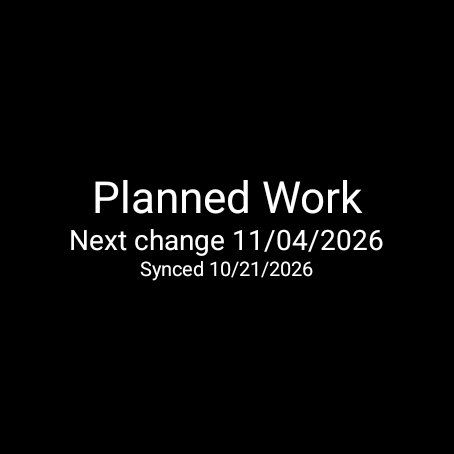
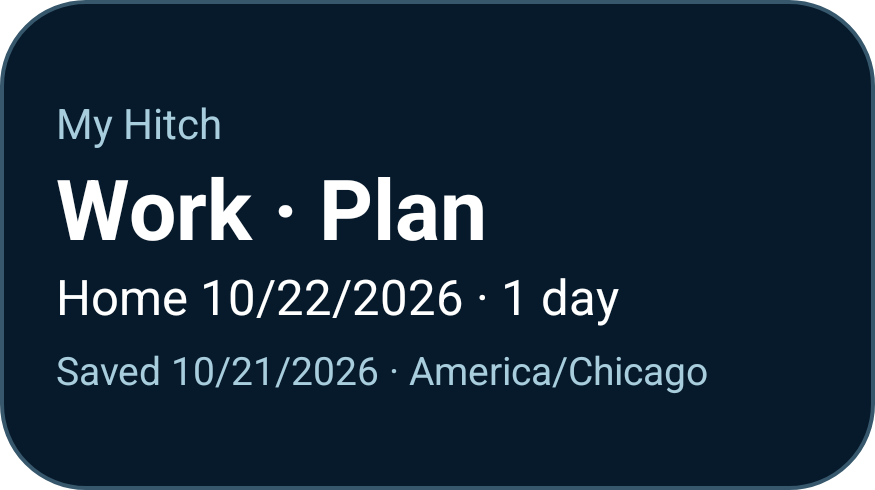
Your saved Work or Home plan, on your phone’s home screen and a Wear OS watch.
Widgets and the Wear OS companion use Premium access. The watch needs a paired phone. Companion testing is ongoing, including the final phone-to-watch check.
My Hitch is currently in controlled Google Play testing for Android. Public availability has not begun. Ask us about current availability; contacting us does not automatically enroll you in testing.
Free includes a fixed rotation calendar covering 12 months back, the current month, and six months ahead, plus My Documents. Premium adds adaptive planning, personal Life Events, schedule scenarios, Relief tools, and more calendar options.
Connected Relief features require eligible access for both partners. Purchases are not available in the current testing build.
In the Android app, My Documents files and metadata are encrypted on your device. They are not uploaded to our servers or shared with your Relief partner or watch. The vault is excluded from app backups, so keep your original files.
The desktop workspace processes documents in your browser without uploading them. Nothing is saved automatically: save an encrypted .myhitch workspace to your computer and save the printable PDF separately. The PDF is not password protected. Choose a folder outside cloud sync if you want strictly local storage. The desktop workspace does not sync with the Android app.
Account and connected Relief features use online services. For current information about those services, see the privacy page.
The Wear OS 3+ companion includes a summary, Tile, and watch-face complication for your saved Work or Home plan and next transition. It requires Premium access and a paired Android phone.
This is a saved plan, not live tracking. Check the saved or synced date; updates depend on your devices and connection. Final phone-to-watch acceptance testing is still pending.
Visit My Hitch support or email support@snuffridgegroup.com. For privacy questions, contact privacy@snuffridgegroup.com.
To delete your account, open Account → Delete account in the app or follow the account deletion instructions.